Windows Terminal Multiplexer
psmux
tmux for Windows. Native. No WSL. Same commands, same keys. Split panes, persistent sessions, agent workspaces that survive disconnects.
What is psmux?
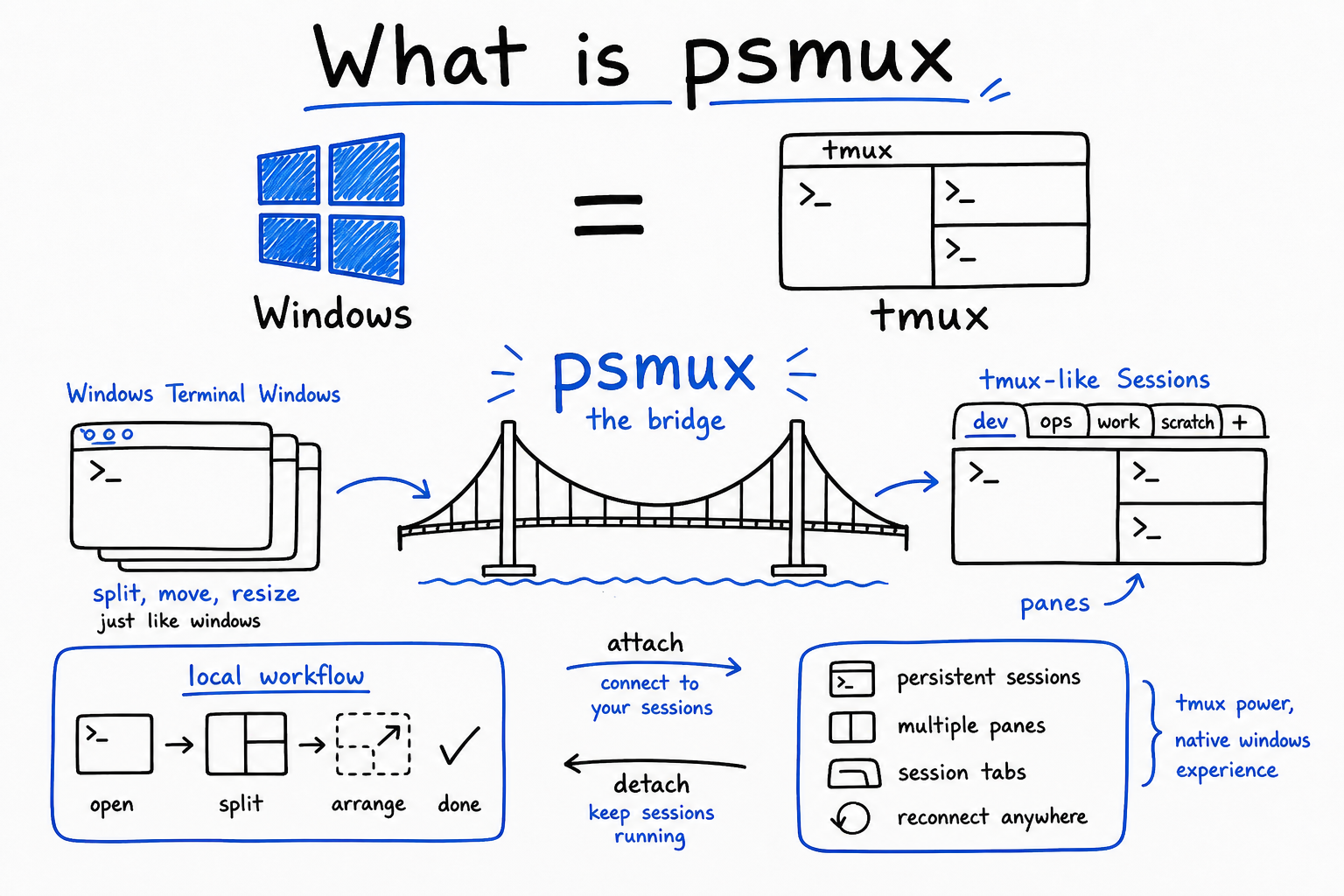
psmux is tmux for Windows. Native, no WSL, no Cygwin, no MSYS2. It reads your .tmux.conf, speaks the same commands, uses the same keybindings. If you know tmux, you know psmux. It runs on ConPTY (Windows native terminal API) so it works in Windows Terminal, PowerShell, cmd, and Git Bash.
- Native Windows binary. No WSL, no Linux layer, no emulation.
- Reads .tmux.conf. Your existing config just works.
- Same Ctrl+B prefix, same split commands, same muscle memory.
- Ships as psmux.exe, pmux.exe, AND tmux.exe. Use whichever you want.
Why Windows Needs This
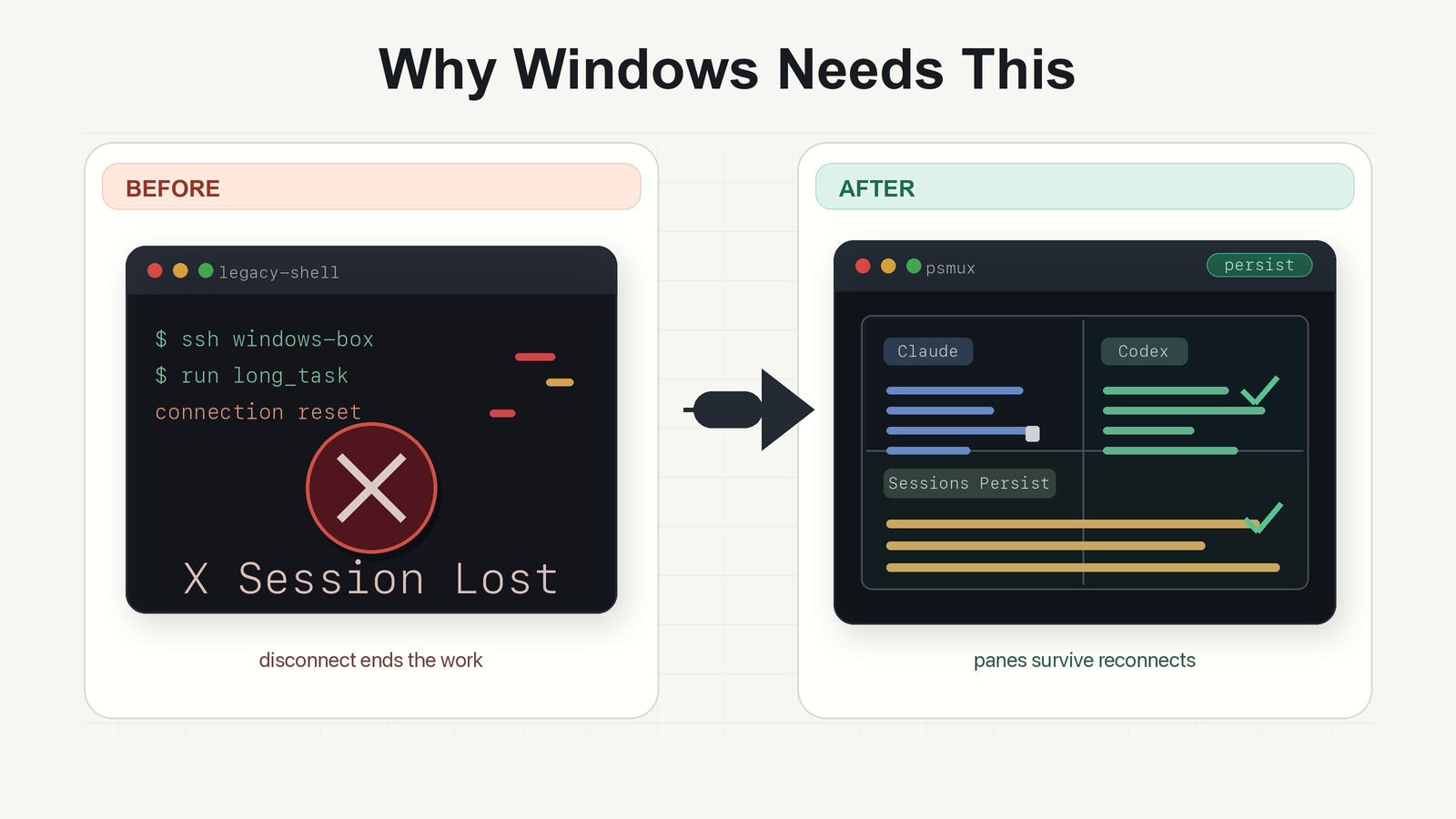
On Mac and Linux, tmux has been the standard for years: persistent sessions, split panes, detach and reattach. Windows never had this. You close a terminal, your Claude Code session dies. You disconnect from RDP, everything is gone. psmux fixes this. Your agent sessions survive terminal closes, disconnects, and crashes.
- Close the terminal window. Your Claude session keeps running.
- Disconnect from RDP. Reattach later. Everything is there.
- Run multiple Claude and Codex sessions side by side in split panes.
- Claude Code agent teams auto-spawn in separate psmux panes.
Getting Started
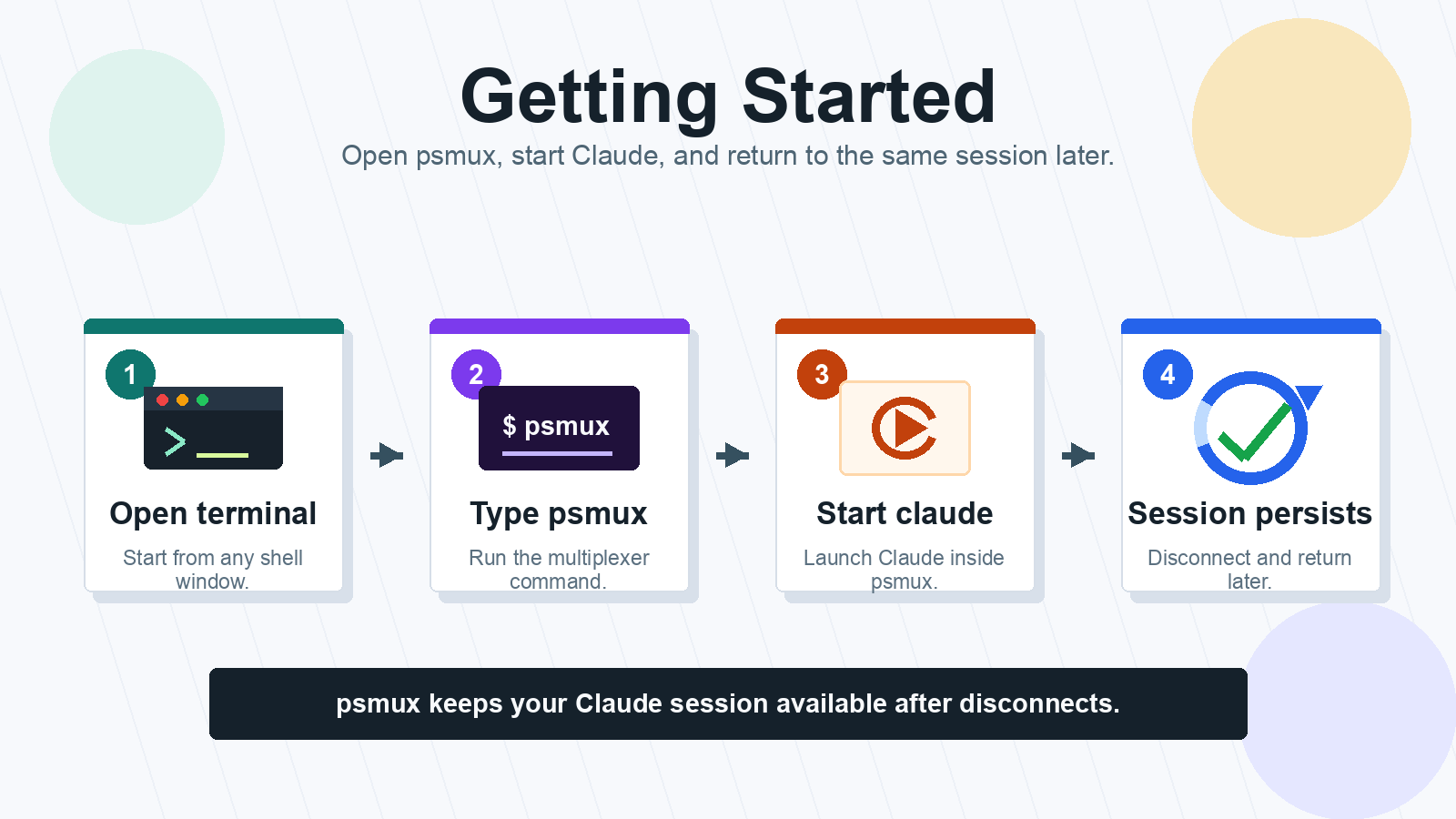
psmux is already installed on your Windows machines at C:\Users\mikem\.local\psmux\. Open any terminal (PowerShell, cmd, Git Bash, Windows Terminal) and run psmux. That is it. You are now in a persistent session. Start Claude, split panes, walk away.
- psmux: start or attach to default session.
- psmux new -s claude: create a named session.
- psmux attach -t claude: reattach after closing the terminal.
- psmux ls: list all running sessions.
Split Panes & Navigate
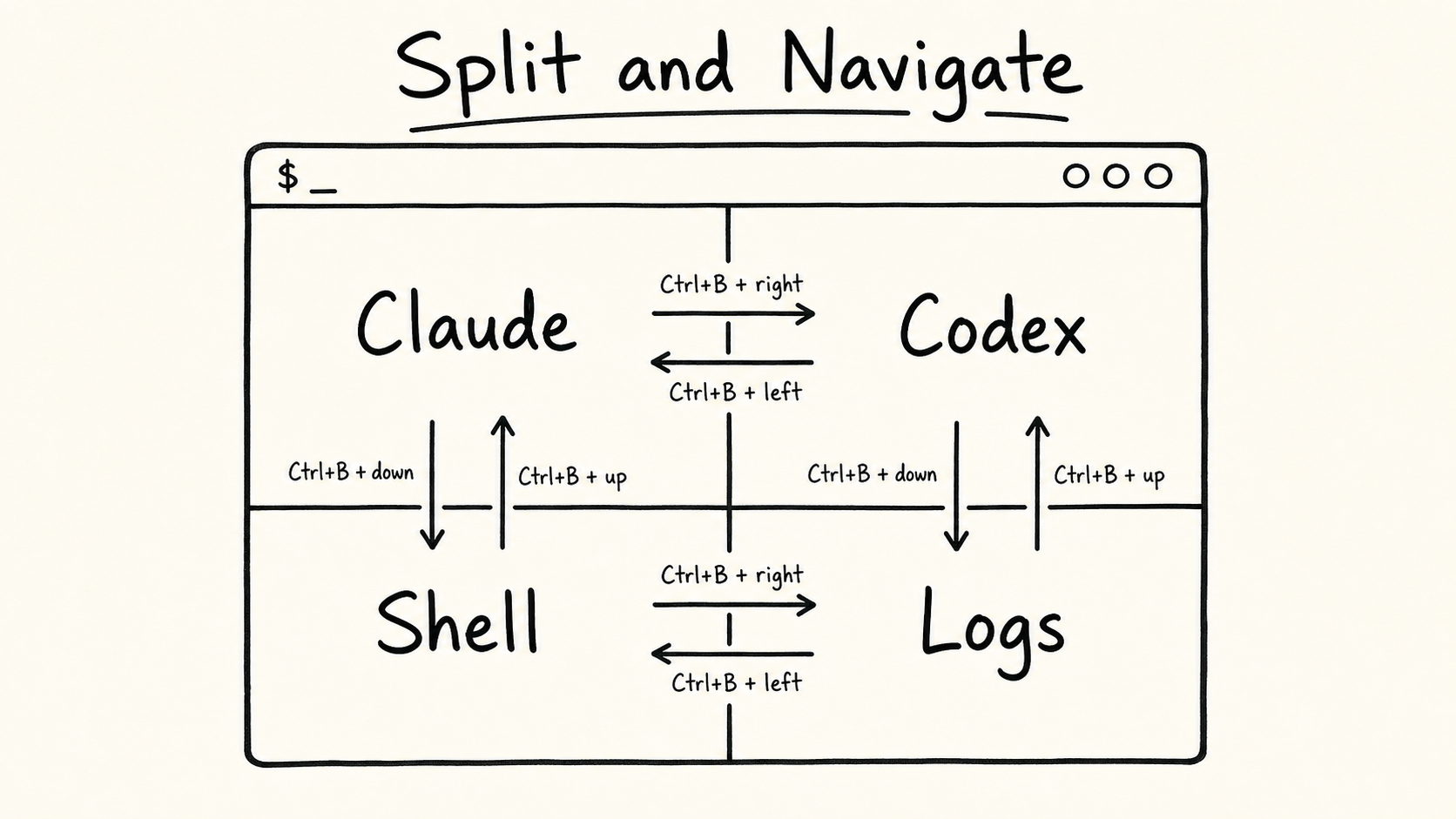
The whole point: run multiple things side by side. Split your terminal into panes, run Claude in one, Codex in another, a shell in a third. Navigate between them with keyboard shortcuts. Zoom any pane to full screen and back.
- Ctrl+B, ": split top/bottom. Run claude above, codex below.
- Ctrl+B, %: split left/right. Side by side agents.
- Ctrl+B, arrow keys: jump between panes.
- Ctrl+B, z: zoom current pane to fullscreen (toggle back with same key).
Cheat Sheet
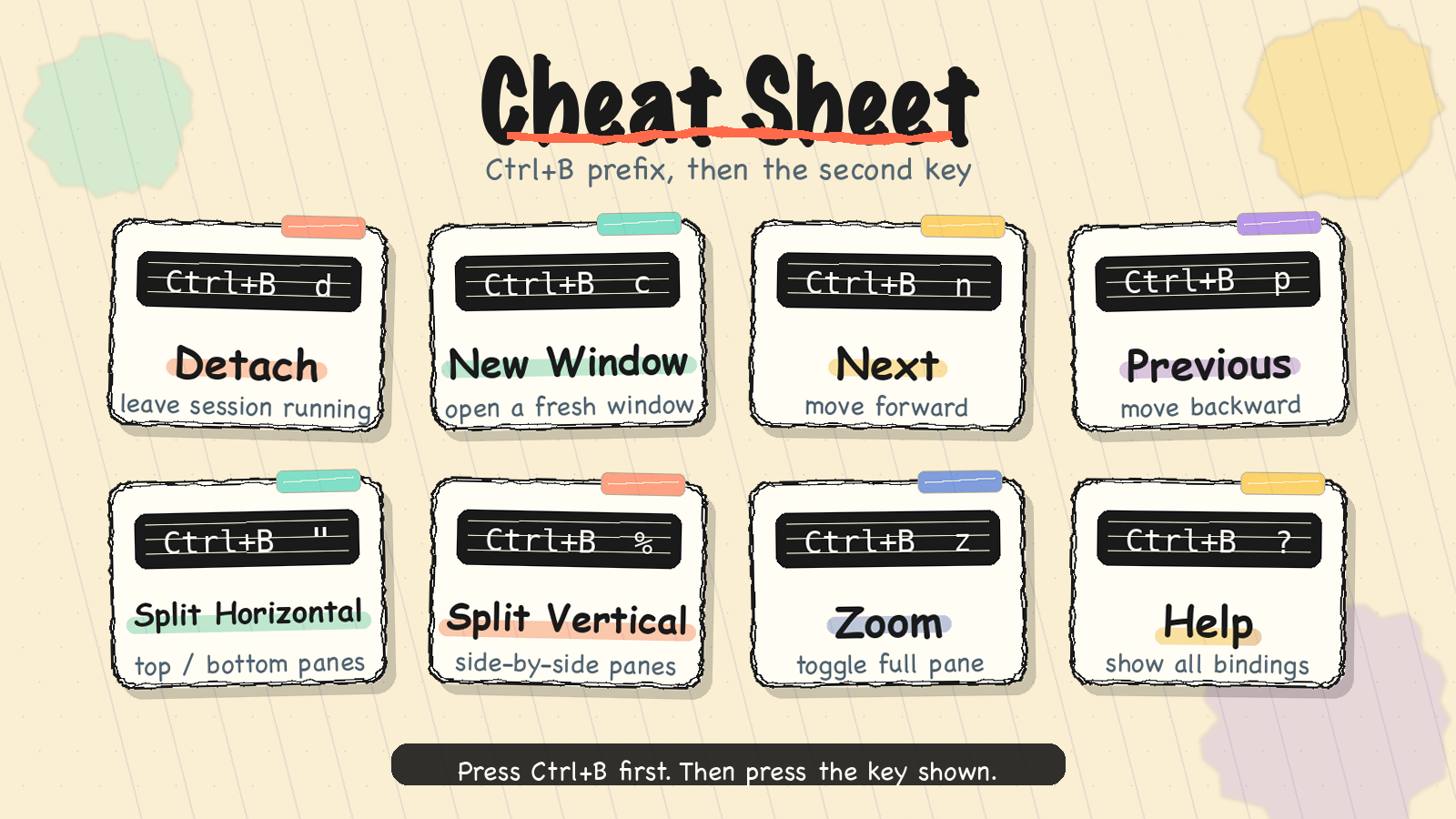
Every command starts with Ctrl+B (the prefix key), then a second key. This is identical to tmux. If you have used tmux on Mac or Linux, these are the same keys. If you have not, learn these 8 and you are set for 95% of daily use.
- Ctrl+B, d: detach from session (keeps running in background).
- Ctrl+B, c: new window (like a new tab).
- Ctrl+B, n / p: next / previous window.
- Ctrl+B, 0-9: jump to window by number.
- Ctrl+B, x: kill current pane.
- Ctrl+B, ?: show all keybindings (the escape hatch).
Configuration
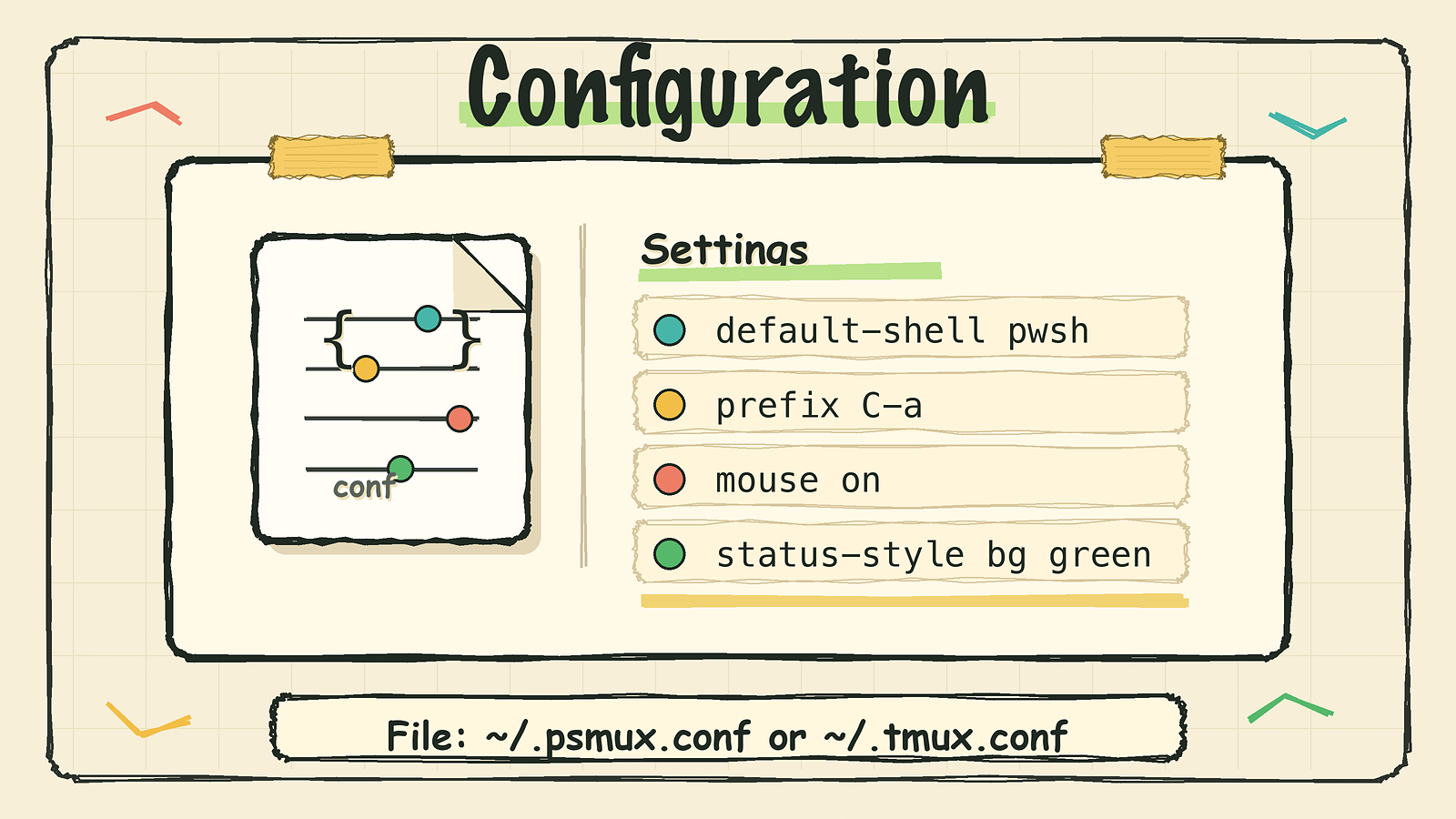
psmux reads config from ~/.psmux.conf, ~/.psmuxrc, or ~/.tmux.conf (first one found wins). You can change the default shell, set the prefix key, customize the status bar, and add your own key bindings. The syntax is 100% tmux-compatible.
- set -g default-shell pwsh: use PowerShell 7 (default).
- set -g default-shell cmd: use classic cmd.exe instead.
- set -g prefix C-a: change prefix from Ctrl+B to Ctrl+A.
- set -g mouse on: enable mouse for clicking panes and resizing.